The review gap
Most manual review exists because there was no fast way to get a structured opinion.
Storyboard review waits on a colleague's calendar and returns as prose you have to read, interpret and argue about. Meanwhile development either stalls, or starts on a storyboard nobody checked.
The usual loop
DaysFeedback that lands after the deadline.
A favor-based review returned as a long document, once the project has already moved on.
Storyboard Analyzer
<1sA structured second opinion, on demand.
Thirteen typed judgments with scores and confidence levels, the moment you need them.
How it works
From storyboard file to revision plan in one pass.
Nothing to configure. The questions it answers are the ones a good instructional-design reviewer would ask.
01
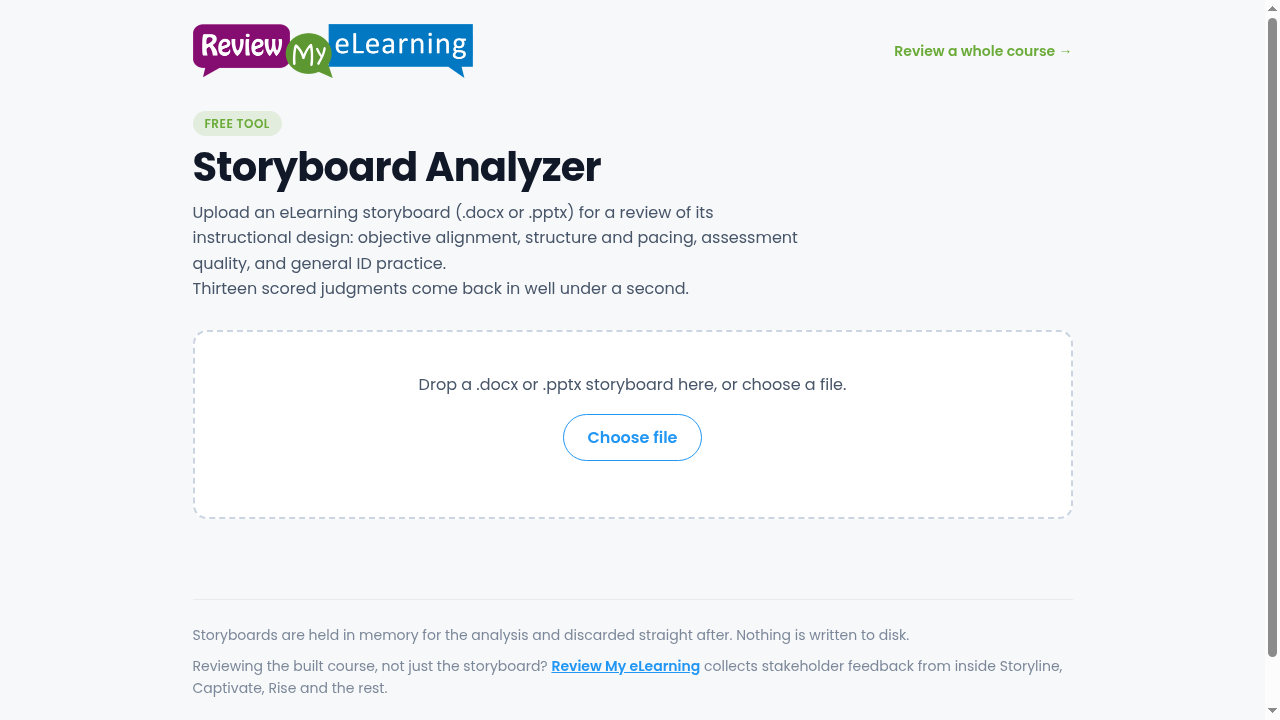
Drop in your storyboard
A .docx or .pptx file. Speaker notes are read from decks; tables and headings from documents. Large storyboards are split and analyzed in parallel.
Every chunk still sees your objectives, so long decks score fairly.
02
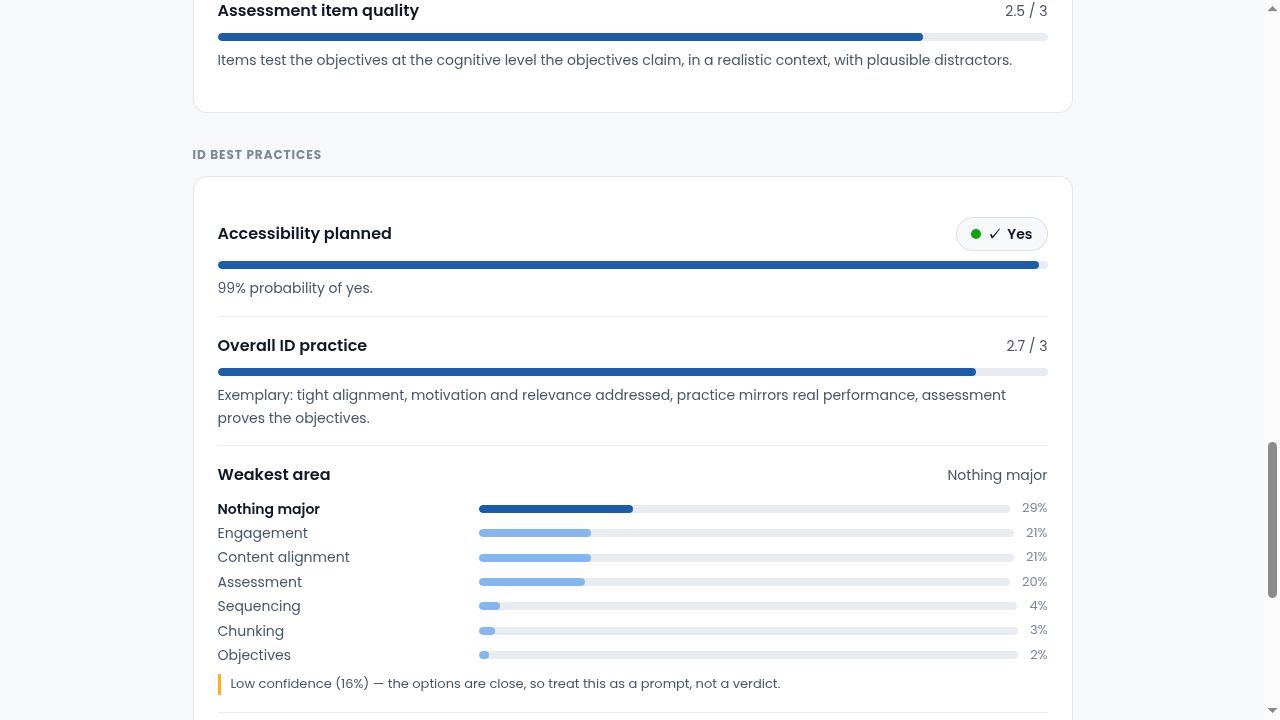
Thirteen typed judgments
Are the objectives measurable? Does the content on every screen support them? Is it chunked for a human attention span? Do the knowledge checks test what they claim? Each judgment is a typed question with a defined rubric, so answers come back as scores and probabilities, not prose.
Anything under 50% confidence is flagged as a prompt to look yourself, not presented as a verdict.
03
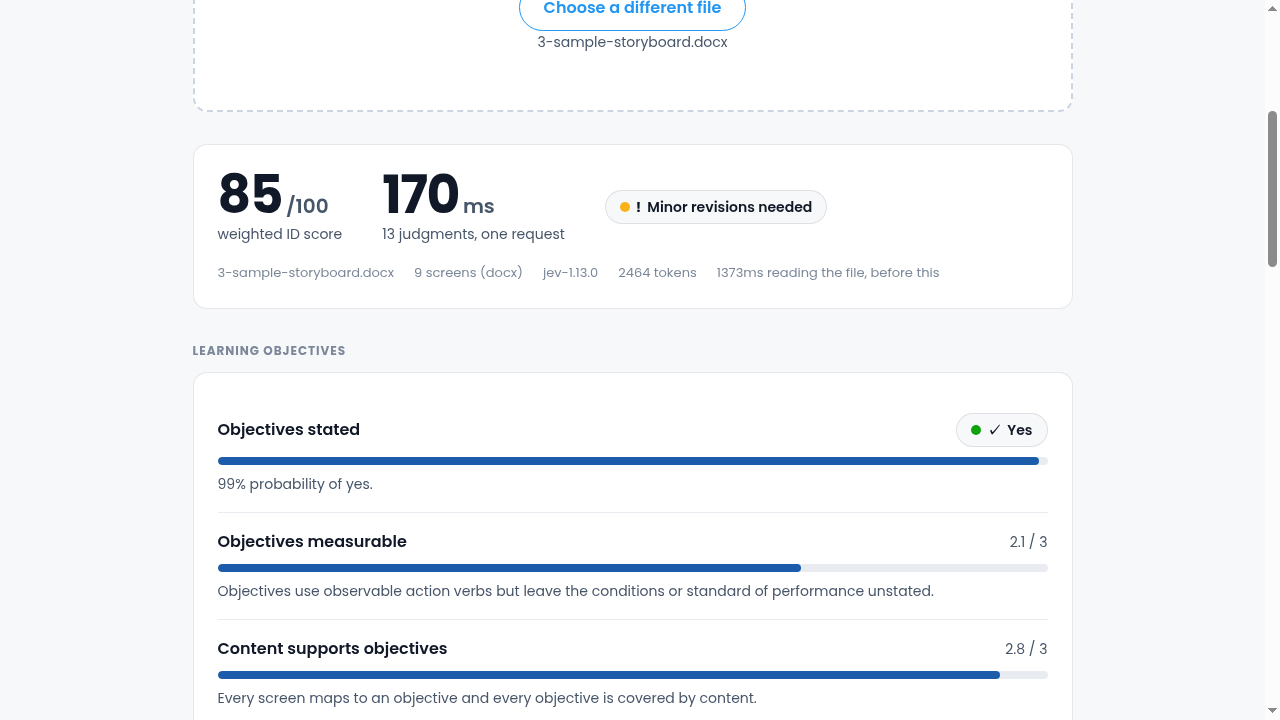
One score, a weakest area, a recommendation
The judgments weigh into a single 0–100 ID score. You also get the one area that most needs revision and a clear next step: ready, minor revisions, major revisions, or redesign.
The weighting lives in code, so scoring the same storyboard twice gives the same answer.
What it checks
The same questions a good reviewer asks. Answered every time.
Thirteen judgments across four areas, each against a written rubric, so the review does not depend on who you managed to ask.
- Learning objectives: stated, measurable, observable
- Content: every screen mapped to an objective
- Structure: chunking, cognitive load, sequencing
- Engagement: interaction beyond clicking next
- Assessment: presence, quality, feedback that explains why
- ID practice: accessibility planning and overall design
Practical questions
Before you feed it your storyboard.
What files does it accept?
.docx and .pptx storyboards. For decks it reads every slide including speaker notes, where narration usually lives. For documents it reads tables and headings.
Is it really free?
Yes. No account, no upload limit, and nothing is stored: your file is held in memory for the analysis and discarded straight after. Nothing is written to disk.
How much should I trust a score from software?
Each judgment is a typed question with a written rubric, so answers are repeatable scores rather than impressions. Low-confidence answers are flagged instead of presented as verdicts. Treat it as a fast second opinion; your reviewers still make the call.
What about the finished course, not the storyboard?
That is what Review My eLearning is for: it collects stakeholder feedback from inside the built course, from Storyline, Captivate, Rise and the rest.
Storyboard Analyzer
Feed it your next storyboard.
Drop a .docx or .pptx and get thirteen structured judgments back in under a second.
Analyze my storyboard free → Free · No account · Nothing stored