A review process from another era
Your Captivate Classic course may still work. Its documented review workflow feels much older.
Adobe's Classic review documentation describes a CREV file built on SWF, opened in an AIR reviewer, with shared-network folders or exported XML comments. Course teams can keep the content they rely on without keeping that handoff.
The documented Classic path
CREVAIR app, SWF review file and network-folder coordination.
When reviewers are outside the shared network, comments move through exported XML files.
The RME path
URLUpload the published course and send a browser link.
Feedback arrives on the right screen with an owner, status and discussion.
Modern review without a rebuild
Three steps from Captivate output to an owned fix.
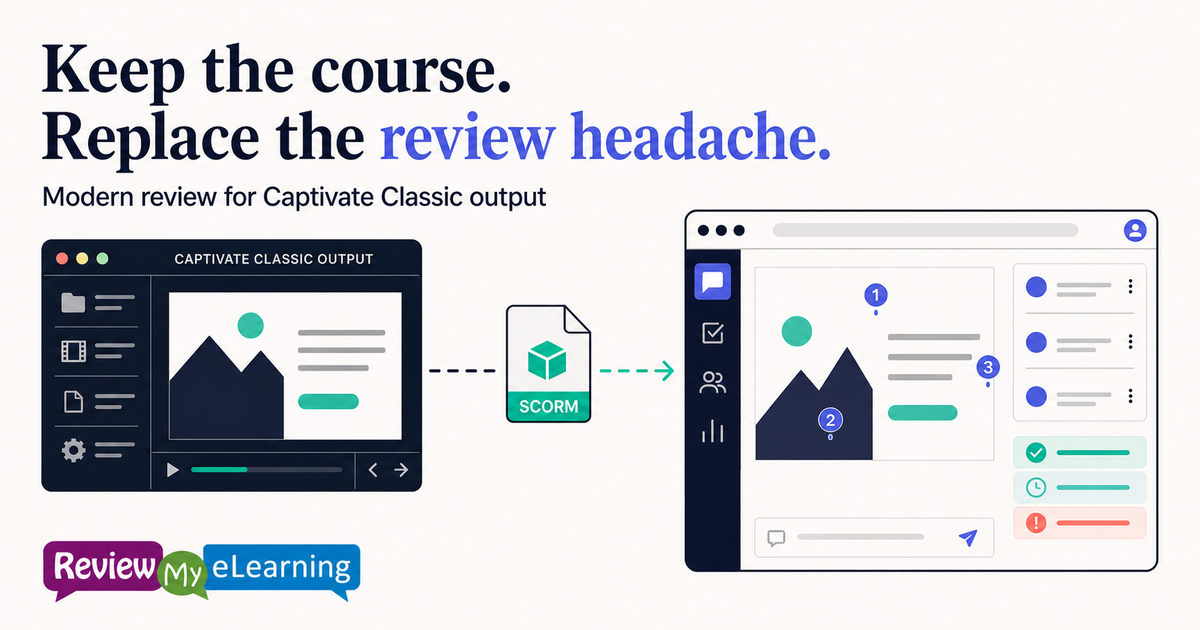
ReviewMyElearning works with the course package your team already publishes.
01
Publish from Captivate Classic
Create the SCORM or HTML5 output your team already uses. You do not need to recreate the course in a different authoring tool to review it.
The purpose-built Captivate tracker captures course position reliably.
02
Upload it and invite reviewers
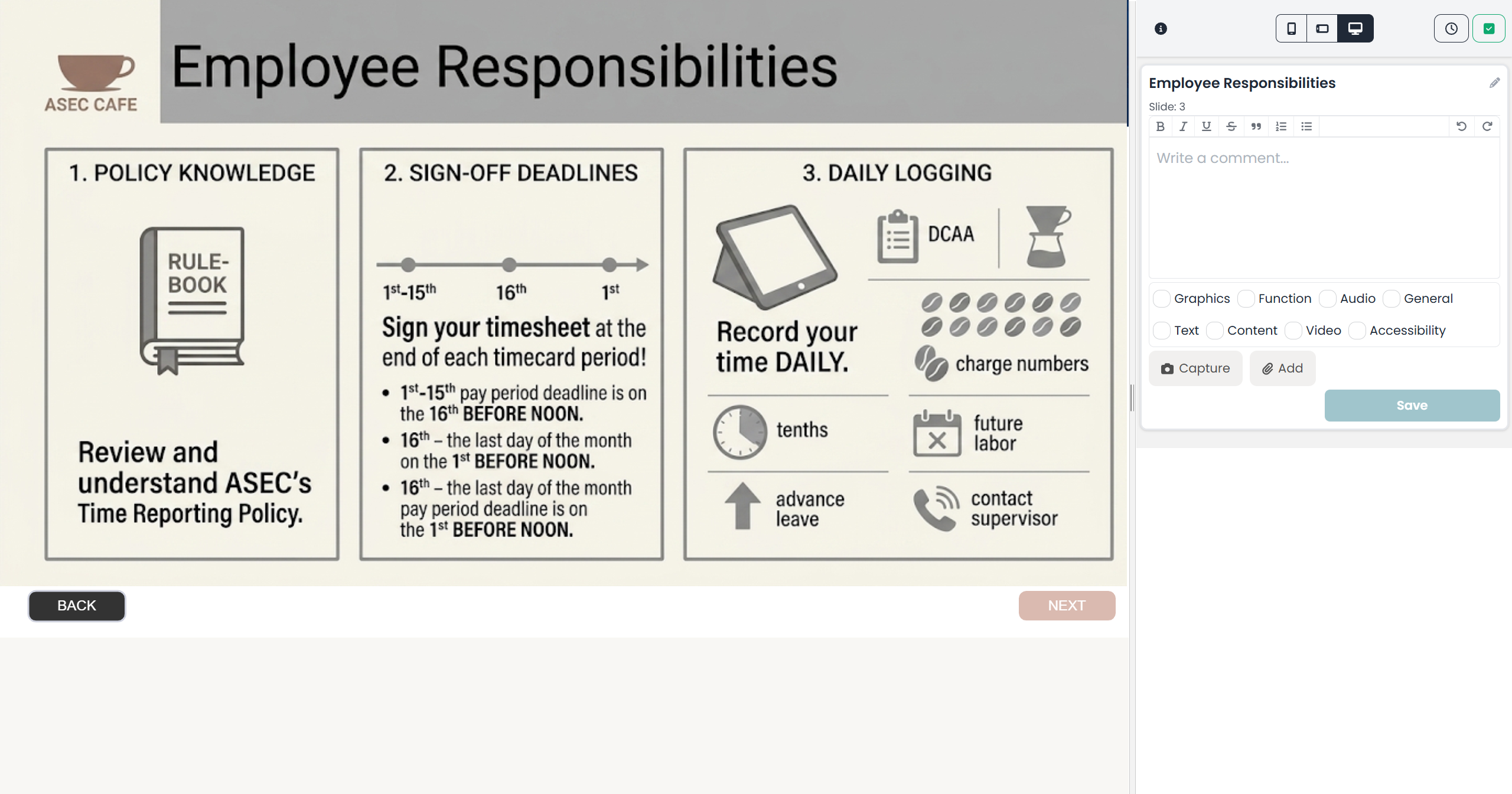
ReviewMyElearning hosts the published output and gives stakeholders a browser link. Public review links can also bring external clients and subject-matter experts into the cycle without an account.
Reviewers are unlimited on every plan.
03
Turn feedback into tracked work
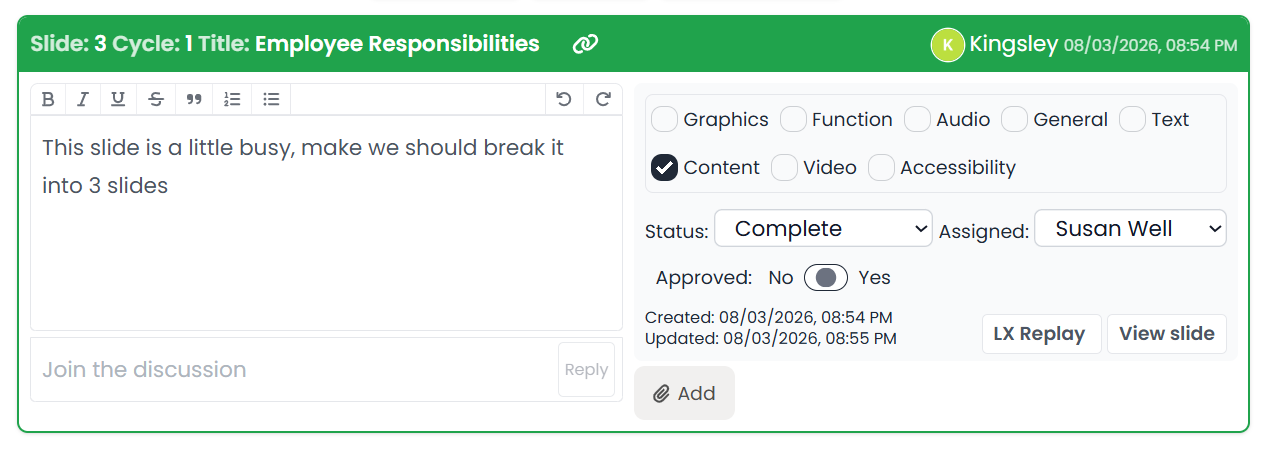
Each comment stays connected to the course screen and carries a status, assignee, tags and a threaded discussion. Re-upload a revision into a new review cycle without losing the earlier conversation.
Comments can also be exported when a stakeholder still needs a spreadsheet.
Built for Captivate, not merely compatible with it
A purpose-built tracker keeps comments attached to the right screen.
Captivate Classic and current Captivate each have a dedicated tracker in ReviewMyElearning because authoring tools report course position differently.
- Captivate Classic and current Captivate support
- SCORM and HTML5 course playback
- Status, assignee, tags and threaded discussion
- Fresh review cycles for revised versions
Change the review process, not the course
A practical bridge for teams staying on Captivate Classic.
You can improve stakeholder review now while making a separate decision about if or when the source course should migrate.
No source conversion
RME reviews the published SCORM or HTML5 output rather than rewriting the CPTX project.
External reviewers welcome
Use a public review link when clients or SMEs should not need an account.
Feedback becomes work
Every comment can be assigned, statused, discussed and resolved.
Fits the wider stack
Zapier, REST API and MCP access are available on every plan.
For Captivate Classic teams
The practical questions before you try it.
Do we need to migrate the CPTX project first?
No. Publish the course from Captivate Classic as SCORM or HTML5, then upload that output to ReviewMyElearning.
Do reviewers need Captivate or Adobe AIR?
No. Reviewers open the hosted course through a browser link and comment while moving through it.
Will comments stay connected to the correct screen?
Yes. ReviewMyElearning has a purpose-built tracker for Captivate Classic as well as current Captivate.
What happens when we upload a revised course?
Start a new review cycle for the updated version. The course keeps its earlier review history while the new cycle gets its own reviewers and settings.
Keep Captivate Classic. Modernize the handoff.
Give the next course review a browser link instead of an installation guide.
Start with one published Captivate Classic course and let stakeholders review the real output in context.
Start a 14-day trial Card required at signup · Cancel before the trial ends